THE PLAYBOOK · BLCQC
Chess Online: what to know before playing
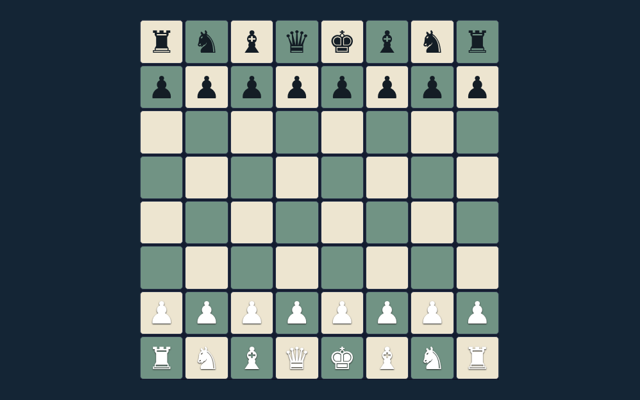
Choose a round of Chess Online and settle into its rules. Checkmate the opposing king. Choose a clear next step rather than rushing through the instructions. Choose a comfortable screen position before beginning. Use the example below to understand a decision.
Play on one device with a friend or against the basic computer opponent. Repetition and the fifty-move rule trigger an automatic draw here; there is no internet matchmaking or tournament clock.
Build familiarity through play
Watch the feedback after an action. A message can explain whether the input was accepted or whether a rule needs attention. Refer to the controls when needed.
What the game asks you to do
Checkmate the opposing king. The feedback beside the game helps you follow the round. Try to explain the aim in your own words.
Step by step
- Select local play or basic computer.
- Choose a piece and a legal target.
- Castling, en passant and promotion obey king-safety rules.
- Use the promotion selector before moving to the last rank.
- Undo or New game restarts play.
How to interact with the game
Tap a piece and target; choose a promotion piece when needed. Read a button’s label before selecting it. Use one clear input at a time.
A closer look at one example
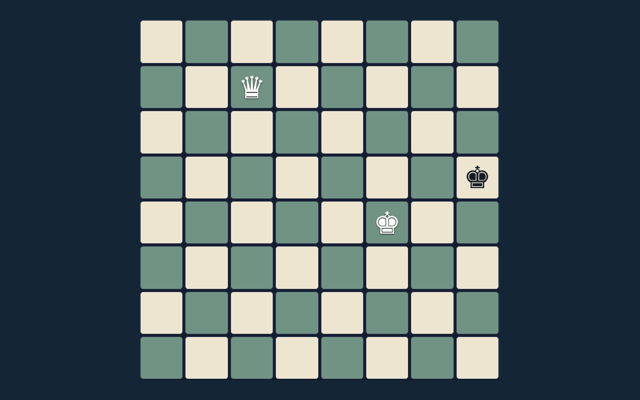
Castling cannot pass through an attacked square. Apply the same reasoning to the position in your own round. Check the stated objective.
An important reminder
The computer is a small search opponent, not a rated engine. Read the feedback to see why an action did not have the expected result. When a decision goes wrong, compare it with the common mistake described below. Start again only when you intend to leave the current round.
Answers about the rules and controls
When I return, what is the goal of Chess Online?
Here is the relevant explanation: Checkmate the opposing king.
When I return, how do I control Chess Online?
The key detail is this: Tap a piece and target; choose a promotion piece when needed.
While learning, what example helps explain Chess Online?
Here is the relevant explanation: Castling cannot pass through an attacked square.
For this browser game, what should I watch out for in Chess Online?
Here is the relevant explanation: The computer is a small search opponent, not a rated engine.
For a quick reminder, what format does Chess Online offer?
Here is the relevant explanation: Play on one device with a friend or against the basic computer opponent. Repetition and the fifty-move rule trigger an automatic draw here; there is no internet matchmaking or tournament clock.
While learning, which play mode does Chess Online use?
Keep this in mind: The mode on this page is Local / basic computer. Same-device play uses one screen; this game library does not provide internet matchmaking.